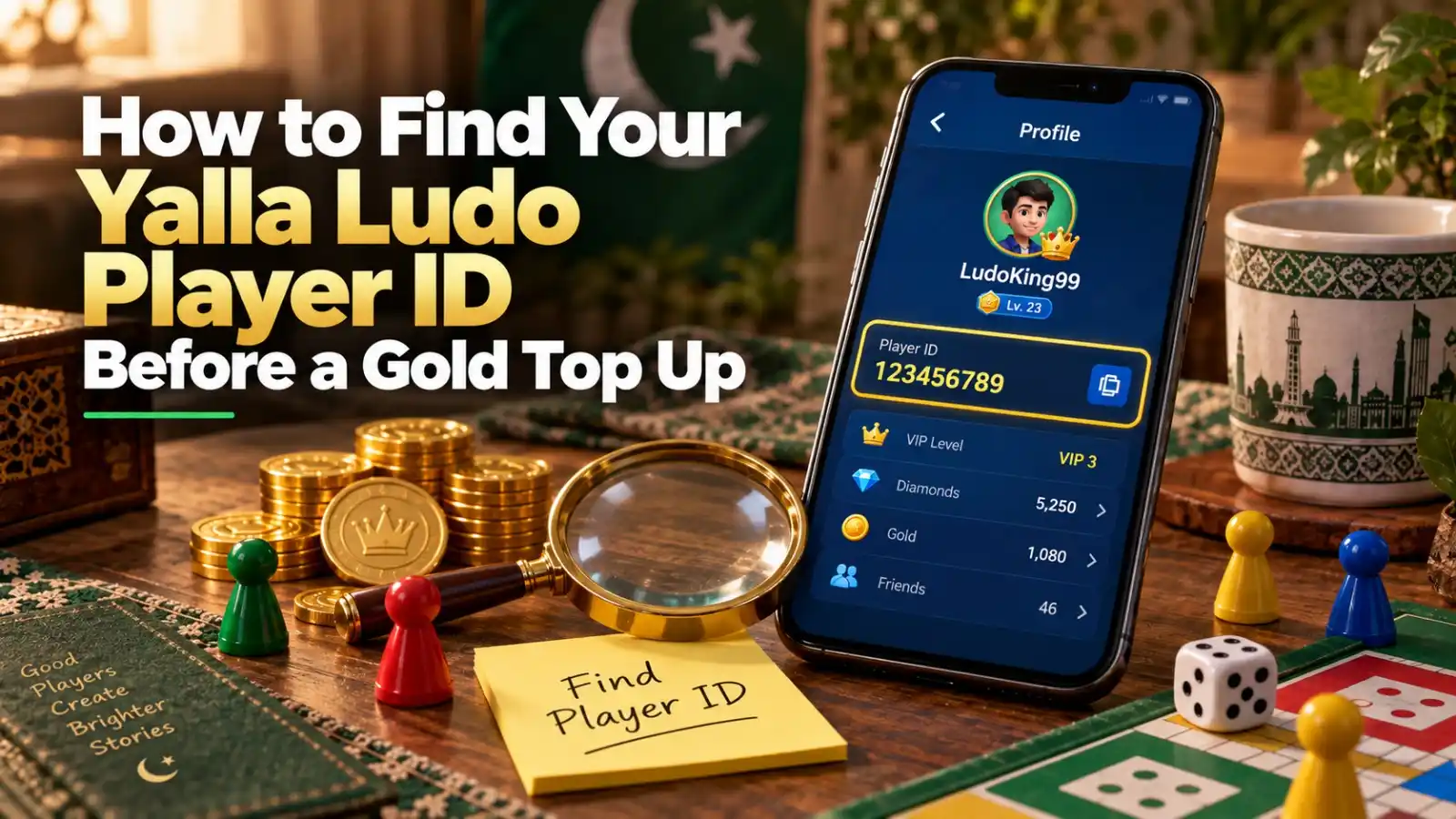
Your Yalla Ludo Player ID is the account identifier used by many direct top-up services to send Gold or Diamonds to the correct profile. Before any recharge, open your own profile, locate the numeric ID attached to your account, and copy it directly. Do not use a nickname, room number, phone number or a Player ID copied from an old screenshot unless you have verified it still belongs to the account you want to top up.
Where to Find the Yalla Ludo Player ID
- Open Yalla Ludo and enter the main lobby.
- Tap your profile picture or avatar area near the top of the screen.
- Open the profile card and look for the numeric ID displayed with your account details.
- Use the copy icon if one is available, then paste the ID into a notes app temporarily so you can compare it during checkout.
Current top-up guides from several sellers agree on the profile-location method, even though they disagree on how many digits every ID should contain. That disagreement is useful: it shows why the ID on your own profile is a better source than a fixed digit-count rule.
Do Not Use a Fixed Digit Count to Validate Your ID
Some current third-party pages describe Yalla Ludo IDs as 8-9 digits, others say 9 digits, and some newer guides describe 11-digit IDs. Because those claims conflict, this guide does not tell you that every valid ID must have one exact length. Copy the identifier directly from your own profile and use the exact value shown there.
Player ID vs Username: They Are Not the Same Thing
A username or nickname is designed for display and can be similar to another player’s name. The Player ID is the account identifier used by the top-up form. When a checkout asks for a Player / Account ID, do not substitute the visible nickname. If a seller also asks for the player name as a secondary check, treat it as an additional confirmation rather than a replacement for the ID.
How to Verify the Player ID Before a Gold Top Up
- Copy the ID from the profile instead of typing it from memory.
- Paste it into the order form, then compare the first and last digits with the profile.
- Confirm you are logged into the correct Yalla Ludo account before copying.
- If you manage more than one account, label the copied ID before starting checkout.
- Do not send payment until the receiving ID has been checked at least once.
How the Player ID Is Used in a SUMLOOT Gold Order
On the Yalla Ludo Gold purchase page, you select a Gold package and provide the receiving Player / Account ID. The checkout then handles payment separately. This separation matters: your payment identifies what you bought, while the Player ID identifies where the digital item should go.
If you want a full end-to-end walk-through, see how to recharge Yalla Ludo Gold.
Can the Same Player ID Be Used for Gold and Diamonds?
The same Yalla Ludo account identifier can be used to identify the account receiving different supported top-up products, but you must still select the correct product. Entering the right ID does not fix an order for the wrong currency. If you meant to buy Diamonds, use the Diamonds product path; if you meant to buy Gold, use the Gold path.
What If You Enter the Wrong ID?
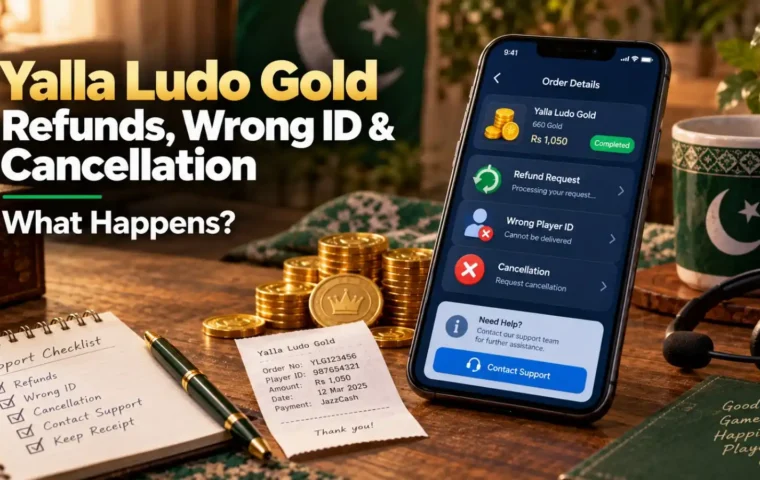
Act immediately. If the order is still pending and has not been submitted or delivered, there may be a chance to stop it. Once a digital top up has progressed beyond the point of cancellation, reversal may not be possible. Read the Yalla Ludo Gold refund and wrong ID guide before assuming a completed recharge can be pulled back.
Player ID Safety: What You Can Share and What You Should Not
| Information | Normal for an ID Top Up? | Safety Note |
| Player ID | Yes | Share only where needed for the order |
| Player nickname | Sometimes used as a secondary check | Not a substitute for the numeric ID |
| Game password | No | Keep private |
| JazzCash/Easypaisa PIN | No | Never share |
| OTP / recovery code | No | Never share |
| Payment receipt | Yes, with the seller handling your order | Avoid exposing unrelated sensitive information |
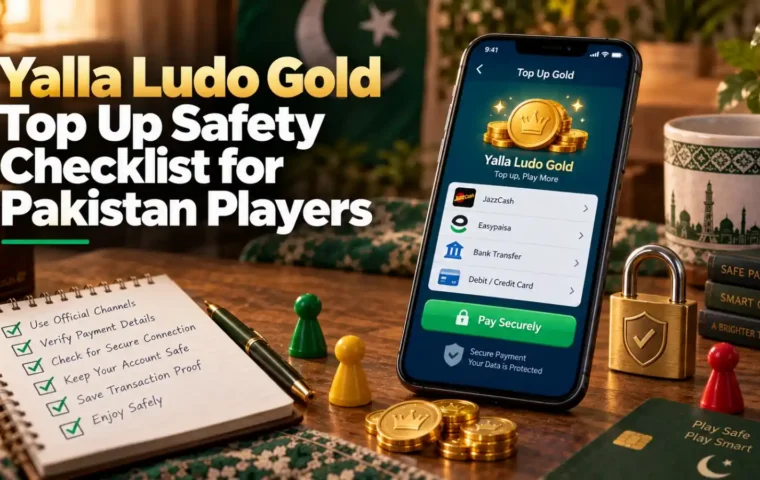
Yalla Ludo’s official Virtual Items Policy governs Gold and Diamonds as virtual items. A Player ID top-up service does not give a third party a reason to request your Yalla Ludo password or wallet PIN.
A 20-Second Pre-Payment ID Check
- Open profile.
- Copy ID.
- Paste into checkout.
- Compare start and end digits.
- Confirm the selected product is Gold, not Diamonds.
- Only then continue to payment.
Frequently Asked Questions
Where is my Yalla Ludo Player ID?
Open Yalla Ludo, tap your profile/avatar area, and look for the numeric ID shown in your account profile.
How many digits is a Yalla Ludo Player ID?
Do not rely on one fixed number. Current third-party guides conflict on ID length. Copy the ID directly from your own Yalla Ludo profile.
Is my username the same as my Player ID?
No. The display name is not a reliable replacement for the numeric account identifier used by a top-up form.
Can I use the Player ID for Gold and Diamonds?
The ID identifies the receiving Yalla Ludo account, but you must still choose the correct Gold or Diamond product before paying.
Should I share my Yalla Ludo password?
No. A direct Player ID top up should not require your game password, OTP or wallet PIN.
What if I copied the wrong ID into an order?
Contact support immediately. Whether the order can be changed depends on whether processing can still be stopped before submission or delivery.