If your Yalla Ludo Gold is not received after payment, do not start by buying the same package again. A missing balance can be caused by an order still processing, an unverified payment, an app sync delay, a Player ID mistake, or a delivery issue. The fastest path is to identify which stage failed: payment, order processing, destination ID, or in-game balance refresh.
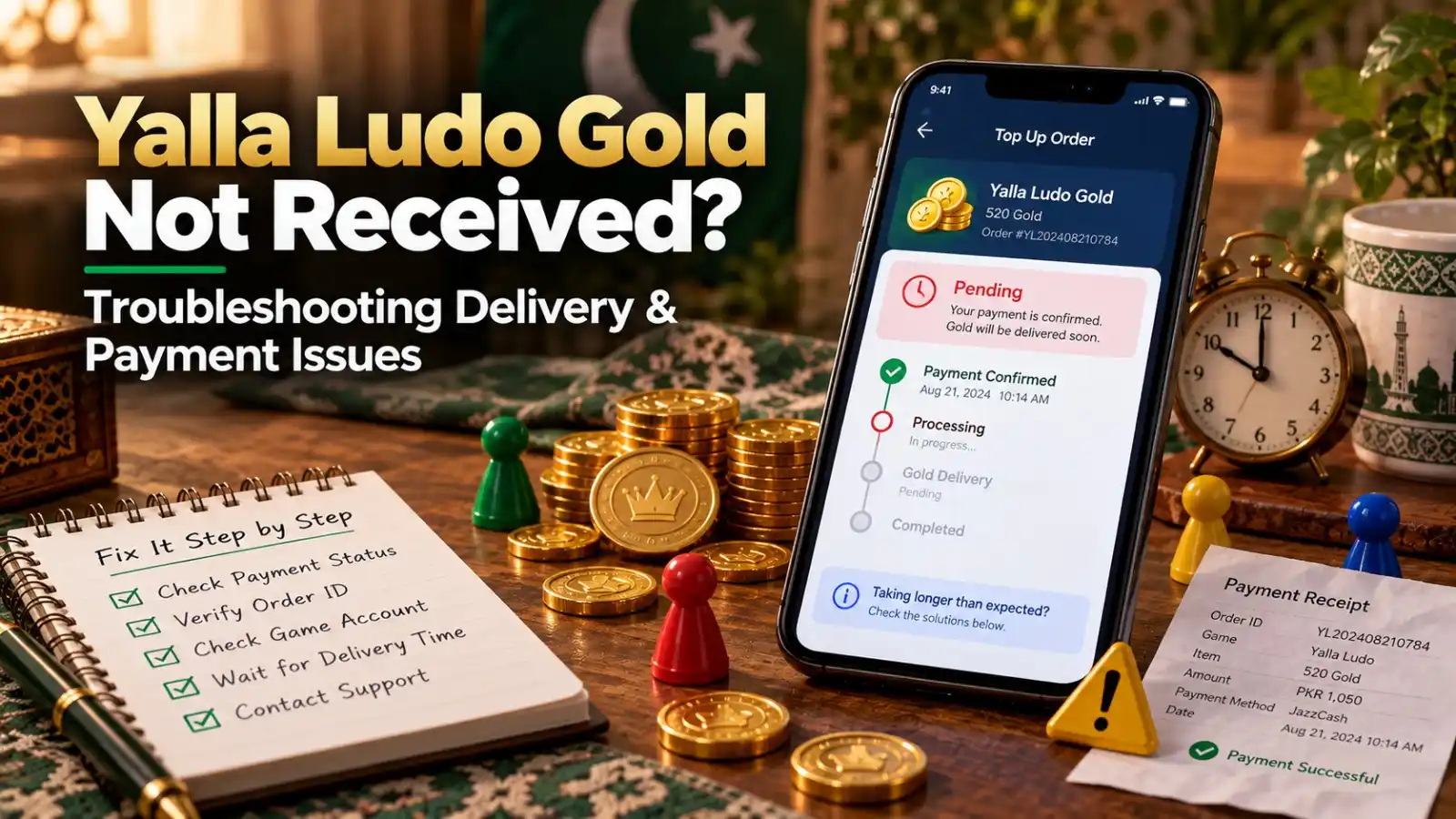
Quick Troubleshooting Checklist
- Confirm the payment actually completed in JazzCash, Easypaisa or your bank rather than remaining pending or reversed.
- Find your SUMLOOT order number and check the order status using the same email or phone entered at checkout.
- Compare the Player ID saved on the order with the Player ID shown in your Yalla Ludo profile.
- Close and reopen Yalla Ludo, then re-check the Gold balance on the correct account.
- If the order is still pending beyond the expected processing period, contact support with the order number and payment proof.
1. Check Whether the Payment Really Completed
A screenshot taken while a wallet transfer is still pending is not the same as a completed payment. Open the transaction history in the payment app and confirm the transaction status. If the wallet reversed the transfer, there may be nothing for the top-up service to process. If the payment completed, keep the receipt visible because support may need the amount, time and transaction reference.
2. Check Your SUMLOOT Order Status
SUMLOOT issues an order number and provides a tracking flow that uses the order number plus the email address or phone entered at checkout. Check that status before contacting support or placing a second order. A pending order is a different problem from an order marked delivered.
If you are preparing another purchase later, start from the Yalla Ludo Gold purchase page, but do not duplicate the current order while its status is unresolved.
3. Verify the Player ID on the Order
Open your Yalla Ludo profile and copy the Player ID again. Compare it carefully with the receiving ID used for the order. If they match, move to app sync and order-status checks. If they do not match, stop troubleshooting the balance on your own account and contact support immediately because the order may be targeting a different destination.
Use the Yalla Ludo Player ID guide if you are unsure where the correct ID is shown.
4. Refresh the Game Before Assuming Delivery Failed
Sometimes a balance display does not refresh immediately. Fully close Yalla Ludo and open it again, confirm you are on the intended account, and re-check the Gold balance. If you use multiple accounts or switch login methods, verify that you are not checking a different profile from the one whose ID was submitted.
5. Understand the Delivery Window
SUMLOOT currently describes most eligible orders as usually completing in about 5-15 minutes, but its policy also says delivery time is an estimate and may vary with official store processing, working hours, server load, high traffic, and technical or operational issues. The policy notes that official delivery time provided by most companies can be up to one hour. A short delay is therefore not proof that the order failed.
6. Payment Completed but Order Is Still Pending
If payment is confirmed and the order remains pending, keep the order number and contact details ready. Do not edit your receipt image or send multiple versions unless support requests them. One clear transaction record plus one correct order number is easier to investigate than several partial screenshots.
7. Order Shows Delivered but Gold Is Missing
If the order status shows delivered but your balance still appears unchanged, check the account ID first, then refresh the app, then capture a current screenshot of your profile and Gold balance. Contact support with the order number, submitted Player ID and evidence from the receiving account. Do not expose passwords, OTPs or wallet PINs while doing this.
8. Wrong Player ID: Act Immediately
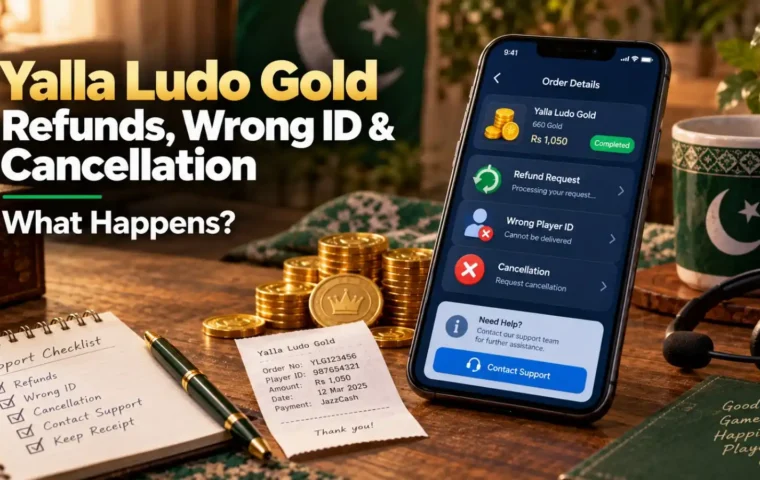
A wrong ID is time-sensitive. SUMLOOT’s refund policy says cancellation or refund may only be considered while an order has not yet been delivered and has not progressed beyond the point where it can still be stopped. Once an order has been submitted to the official store or completed, cancellation may no longer be possible. See the Gold refund and wrong ID guide for the full decision path.
What Not to Do When Gold Is Missing
- Do not immediately buy the same package again.
- Do not send your game password or wallet PIN to someone claiming they need it to “check delivery.”
- Do not delete your payment receipt or order number.
- Do not assume a fixed Player ID length proves the ID is correct or incorrect.
- Do not call a pending order a scam until you have checked payment, order status, processing time and destination ID.
When the Issue Is With Yalla Ludo Rather Than the Order
If the top-up service confirms successful delivery to the correct ID but the app still does not show the expected balance after refresh, the issue may require platform-level investigation. Yalla Ludo controls the virtual-item system and its rules. Its official Virtual Items Policy also makes clear that Gold and Diamonds remain virtual items governed by the platform.
How to Prevent the Same Problem Next Time
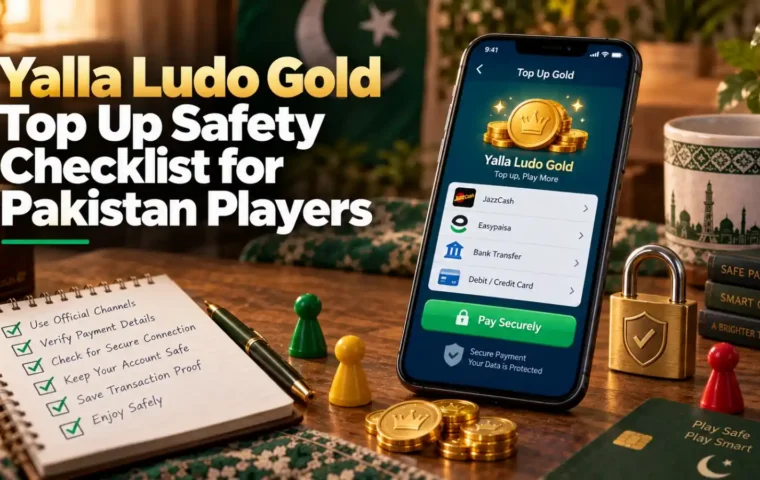
- Copy the Player ID from the profile instead of typing it.
- Take a screenshot of the profile ID before checkout if you want a verification record.
- Use the current payment details shown in checkout.
- Save the successful payment receipt and order number.
- Wait for the first order to resolve before re-ordering the same package.
Frequently Asked Questions
How long should I wait for Yalla Ludo Gold?
SUMLOOT currently says most eligible orders are typically delivered in about 5-15 minutes, but timing is an estimate and some orders can take longer because of processing or technical factors.
My JazzCash or Easypaisa payment is complete but Gold is missing. What should I do?
Check the SUMLOOT order status, verify the Player ID, refresh Yalla Ludo and then contact support with the order number and successful payment receipt if the issue remains.
Should I place another order if the first one is delayed?
No. First determine whether the original order is pending, delivered, failed or linked to the wrong ID. Duplicate orders can create a second valid purchase.
What if I used the wrong Player ID?
Contact support immediately. Whether cancellation is possible depends on whether the order can still be stopped before submission or delivery.
Why does my order say delivered but I cannot see Gold?
Confirm you are checking the exact account whose ID was submitted, restart the app, capture the current balance, and then provide the order number and receiving ID to support.
Do I need to share my password for troubleshooting?
No. Do not share your Yalla Ludo password, wallet PIN, OTP or email password for a normal Player ID top-up investigation.