A Yalla Ludo Player ID top up is a recharge method built around one receiving identifier: the numeric account ID shown inside the player profile. Instead of logging into a player’s account, an ID-based service asks for the destination ID, the selected product and payment confirmation. That separation is useful because the receiving account can be identified without handing over a password, OTP or recovery code.
On SUMLOOT, the intended commercial destination for this topic is the Yalla Ludo Diamonds purchase page. Before ordering, it is worth understanding what the Player ID does, what it does not do, and where mistakes usually happen.
What a Player ID Top Up Actually Does
The Player ID acts like a digital delivery address. A direct-recharge system uses it to identify the Yalla Ludo account that should receive the selected virtual item. The payment identifies the order; the Player ID identifies the destination. Those two pieces need to match the buyer’s intention before processing starts.
| Part of the Order | Purpose | What to Check |
| Product | Defines whether you are buying Diamonds, Gold or another supported item | Do not assume the right ID fixes the wrong product |
| Package | Defines the amount or denomination | Review the live package before payment |
| Player ID | Identifies the receiving account | Copy it from your own profile |
| Payment | Funds the order | Use the current checkout instructions |
| Order number | Lets the seller identify the transaction | Save it until delivery is confirmed |
How to Find the Correct Yalla Ludo Player ID
- Open Yalla Ludo and enter the account you want to recharge.
- Tap your profile or avatar area.
- Locate the numeric account or user ID shown with the profile details.
- Use the copy function if available instead of typing the number from memory.
- Paste the ID into the order form, then compare the beginning and ending digits once more.
If you need a more detailed walkthrough, use the Yalla Ludo Player ID guide. One useful caution: third-party pages on the web disagree about a single fixed digit length for every Yalla Ludo ID, so the identifier displayed in your own current profile is a better source than a generic digit-count rule.
Why “No Password” Is an Important Safety Signal
A basic Player ID top up should not depend on someone signing into your Yalla Ludo account. If the seller only needs the receiving ID and payment record, your login credentials stay under your control. Do not send a Yalla Ludo password, email password, wallet PIN, OTP or recovery code simply because a third party says it needs them to “complete” an ID recharge.
How an ID-Based Diamond Recharge Typically Flows
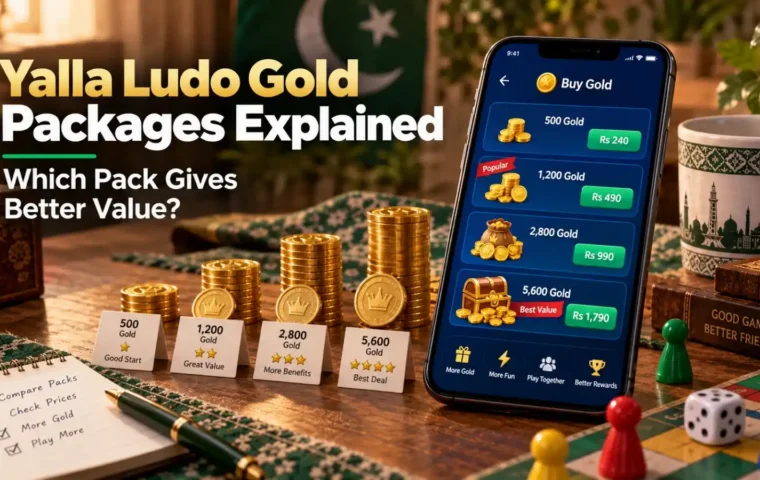
- Choose the Diamond package you want.
- Paste the Player ID of the account that should receive the Diamonds.
- Review the package, ID and checkout total together.
- Pay through the payment method offered in the current checkout.
- Keep a successful payment receipt.
- Save the order number and track the transaction until the balance appears.
For a broader purchase overview, see the Yalla Ludo Diamonds guide and the Diamond payment methods guide.
Player ID vs Username vs Room ID
| Identifier | What It Usually Represents | Use for Diamond Top Up? |
| Player / User ID | The account identifier shown in the profile | Yes, when the checkout specifically requests it |
| Username / nickname | A display name that may change or resemble another player | Do not substitute it for the numeric ID unless the seller explicitly asks for both |
| Room ID | A code used to join or identify a room | No; it is not the account destination for a recharge |
What Happens If the Player ID Is Wrong?
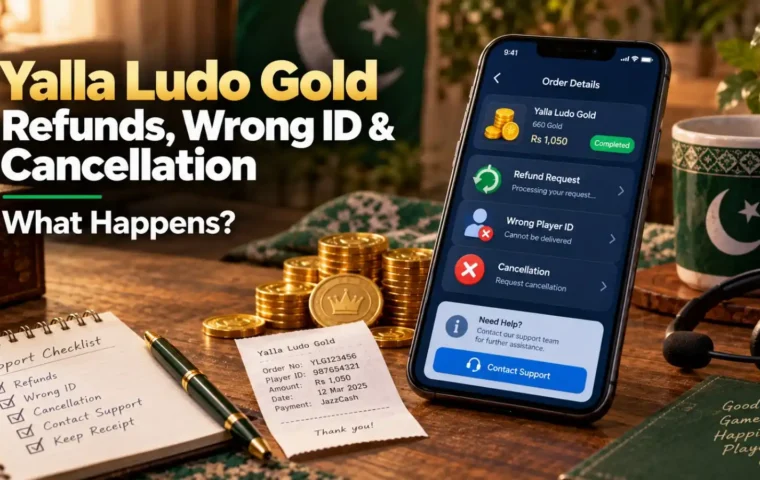
Treat a wrong receiving ID as urgent. If the order has not yet been processed, a seller may be able to stop or correct it under its own policy. If delivery has already completed, reversal can be difficult or impossible. Do not wait for a known mistake to “fix itself.” Contact support with the order number immediately and follow the wrong Yalla Ludo Player ID guide.
Official-Channel Rules Still Matter
Yalla Ludo’s current policy says virtual items and subscription services should be purchased through officially approved channels such as app stores or Yalla Pay Center, and it warns against unofficial proxy recharge. SUMLOOT is an independent seller, not presented here as an official Yalla Ludo partner. Review the official Yalla Ludo Virtual Items Policy before deciding which route is appropriate for your account.
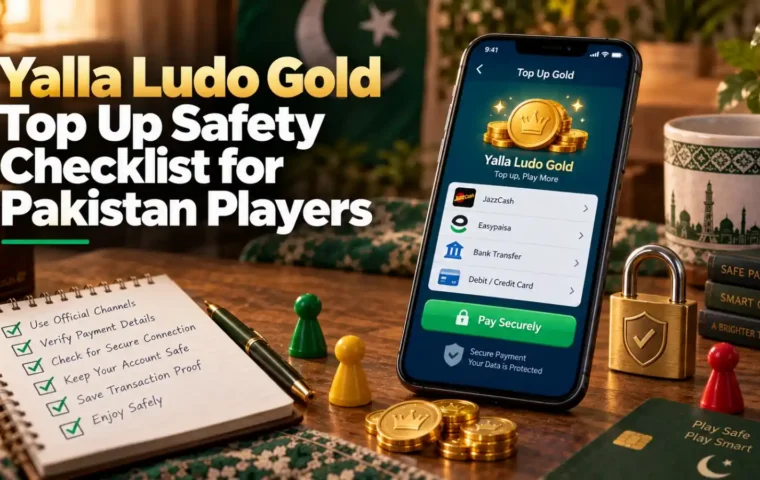
Pre-Payment Checklist
- Correct product selected: Diamonds, not Gold or VIP.
- Correct package selected.
- Player ID copied from the intended account.
- No password, OTP or wallet PIN shared.
- Current checkout payment details used.
- Payment receipt and order number saved.
Frequently Asked Questions
What is a Yalla Ludo Player ID top up?
It is a recharge method that uses the numeric account ID as the delivery destination rather than requiring a seller to log into the game account.
Do I need my Yalla Ludo password for an ID recharge?
A normal Player ID top up should not require your game password. Keep passwords, OTPs and wallet PINs private.
Is a Player ID the same as a username?
No. A username is a display name, while the numeric Player/User ID identifies the account for a direct recharge.
Can the same ID receive Gold and Diamonds?
The account ID identifies the destination, but you must still choose the correct product. A correct ID does not fix an order for the wrong virtual currency.
What should I do if I entered the wrong ID?
Contact the seller immediately with the order number. Whether anything can be changed depends on how far processing has progressed.
Can I use a room code as my top-up ID?
No. Room IDs are used for joining rooms, not as the account identifier for Diamond delivery.
A Practical Example: Recharging the Right Account
Imagine you use one Yalla Ludo account for regular play and another account for social rooms. Both profiles have different numeric IDs but similar display names. If you copy the nickname instead of the Player ID, the checkout has no reliable way to know which account you intended. A safer sequence is to open the exact account, copy the numeric ID, paste it into the order form, and leave that profile open until the order is submitted. This small habit removes most of the confusion that comes from switching between multiple accounts.
The same logic applies when topping up a family member or friend. Ask the recipient to copy the ID directly from their own profile and send it to you as text. Do not transcribe it from a screenshot unless you have no other choice. When the ID is pasted into checkout, compare it with the original message before payment. The goal is to create a clean chain from the recipient profile to the order record.
When an ID-Based Top Up Should Be Paused
Pause the purchase if the seller asks for credentials that are not needed for the stated delivery method, if the product name does not match the virtual currency you want, if the payment account changes through an informal message, or if the receiving ID cannot be verified. A few minutes spent checking those details is more useful than trying to recover a virtual-item order after delivery.
Also pause if the app itself shows a regional restriction, account warning or purchase-channel notice. A third-party checkout cannot override Yalla Ludo account rules. The correct order is always: verify the account, verify the product, verify the channel, then pay.