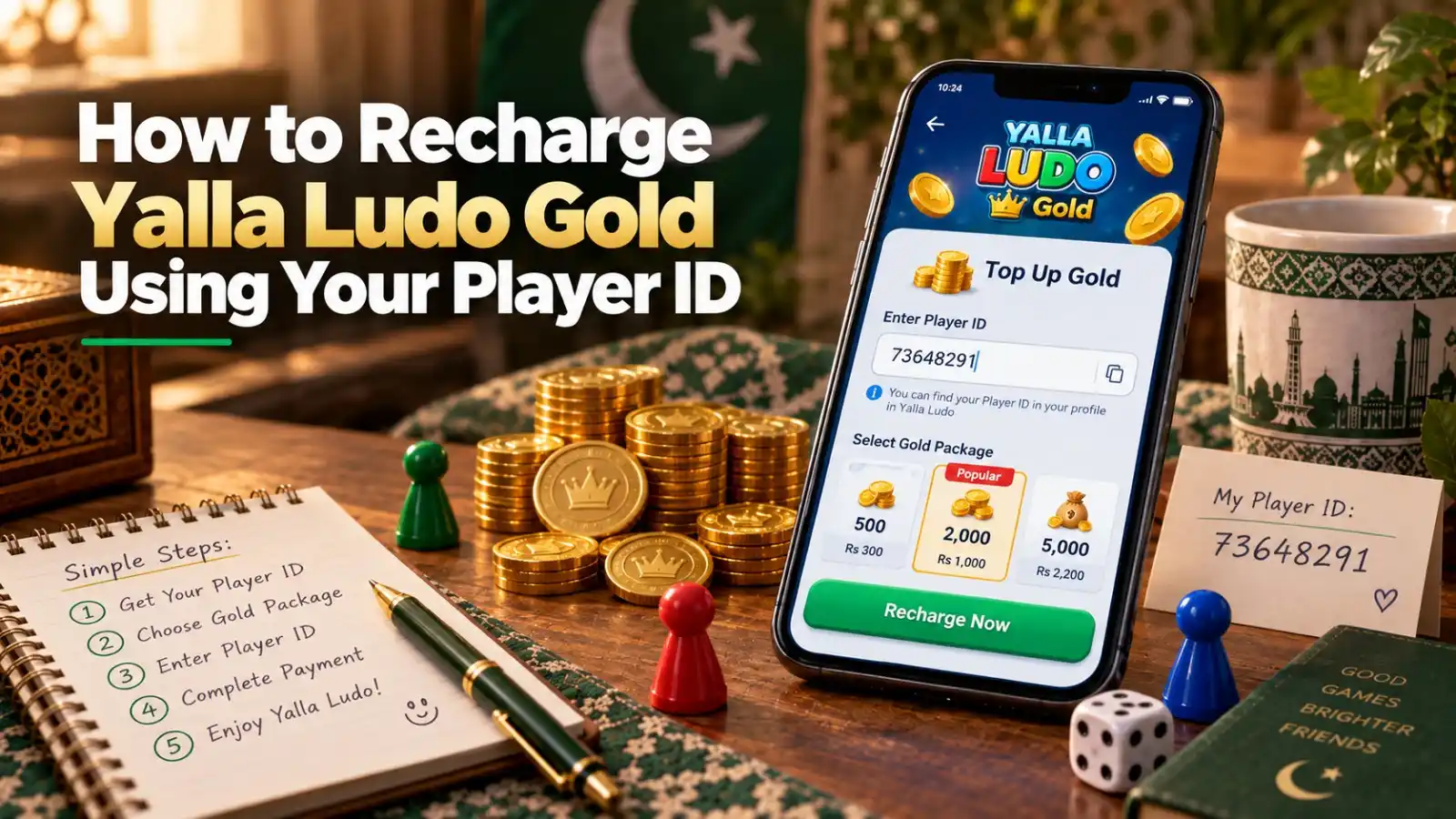
A Yalla Ludo Gold recharge by Player ID is a direct top-up workflow: choose a Gold package, provide the correct receiving ID, pay for the order, and wait for the Gold to be credited to that account. The most important part is the identifier. A payment can be verified, but a mistyped receiving ID can create a much harder problem once an order has already been processed.
What Is a Player ID Gold Recharge?
A Player ID recharge uses the numeric identifier shown on your Yalla Ludo profile to identify the destination account. It should not require your account password. On SUMLOOT, the checkout asks for the receiving Player / Account ID and then lets you pay using local methods such as JazzCash, Easypaisa or bank transfer.
Start from the Yalla Ludo Gold purchase page and keep your own Yalla Ludo profile open while ordering.
Step 1: Find and Copy Your Yalla Ludo Player ID
Open Yalla Ludo, tap your profile/avatar area, and locate the numeric ID attached to your account. Use the copy function if available. Third-party guides currently disagree on whether every Yalla ID has a particular fixed length, so do not reject your own profile ID simply because it has more or fewer digits than an article claims.
For screenshots and error-prevention advice, use the Yalla Ludo Player ID guide.
Step 2: Select the Gold Package
Choose the amount of Gold you want from the live product page. Check the package amount and PKR price together. If you are comparing value, do the calculation before checkout rather than changing packages after payment. The Gold packages comparison explains how to compare package size and effective cost.
Step 3: Paste the Player ID Carefully
Paste the copied ID into the receiving field. Then compare it with the ID still visible in your Yalla Ludo profile. Check the beginning, middle and ending digits. This quick second check is more reliable than relying on the username or nickname.
Step 4: Complete Local Payment
Proceed to checkout, enter the requested contact information, and select the available payment method you want to use. SUMLOOT currently shows JazzCash, Easypaisa and bank transfer options. Transfer the total displayed for the order and save the successful payment receipt.
Step 5: Upload Payment Proof and Submit
Upload a readable screenshot of the completed transaction. A useful receipt clearly shows that the payment succeeded and makes the amount easy to verify. Do not crop away so much information that the transaction cannot be matched to the order.
Step 6: Save the Order Number and Track Delivery
After submission, keep the SUMLOOT order number. The live tracking flow matches the order number with the email address or phone used at checkout. This is especially useful if delivery takes longer than expected because you can verify whether the order is still pending instead of creating a duplicate purchase.
How Long Does a Gold Recharge Take?
SUMLOOT currently states that most eligible orders are delivered in approximately 5-15 minutes, while its delivery policy notes that official processing can take longer and that timing depends on factors such as server load, working hours, high traffic and technical issues. Treat the timer as an estimate, not a guarantee.
What to Do If the Gold Does Not Show Up
- Restart or fully refresh Yalla Ludo so the wallet can sync again.
- Confirm you are logged into the same account whose Player ID you submitted.
- Check the Player ID in your order record against your profile.
- Open the order tracking flow before placing another order.
- If the order remains unresolved, contact support with the order number and payment proof.
For a full diagnostic sequence, read Yalla Ludo Gold not received.
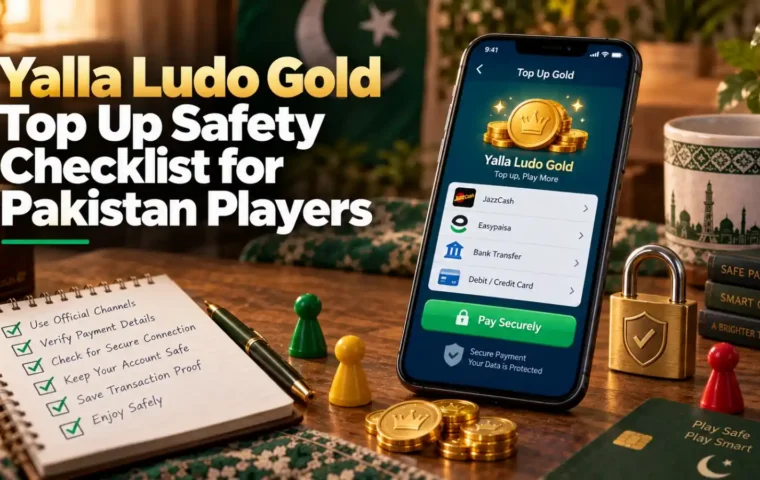
Security Rules for a Player ID Top Up
- Use your Player ID, not your game password.
- Never share OTPs, JazzCash PINs, Easypaisa PINs or email passwords.
- Use payment details displayed in the current checkout.
- Keep the receipt and order number until the balance is visible.
- Stop and re-check if the package, amount or receiving ID looks wrong before submission.
Yalla Ludo’s official Virtual Items Policy explains the platform’s rules for obtaining and using Gold and Diamonds. SUMLOOT is an independent third-party order processing service, so a third-party checkout and Yalla Ludo’s own virtual-item rules are separate layers of the transaction.
Player ID Recharge vs Sharing Account Login
A Player ID top up is preferable when the product is designed to deliver directly to a public receiving identifier. Sharing account credentials creates unnecessary exposure and makes it harder to distinguish a normal recharge from account access. If a seller suddenly asks for a password, recovery code or wallet PIN for a basic ID top up, stop and verify why that information is supposedly needed.
Frequently Asked Questions
What do I need for a Yalla Ludo Gold recharge?
You need the correct receiving Player ID, a selected Gold package, a payment method, and payment proof for the order.
Where can I find my Yalla Ludo Player ID?
Open your profile in Yalla Ludo and copy the numeric ID shown for your account. Do not rely on a fixed digit-length rule from a third-party article.
Can I recharge with JazzCash or Easypaisa?
SUMLOOT currently shows both JazzCash and Easypaisa as checkout payment options, alongside bank transfer.
Do I need to share my Yalla Ludo password?
A Player ID top up should not require your game password. Keep passwords, OTPs and wallet PINs private.
How can I check if my order is still processing?
Keep your order number and use it with the contact details entered at checkout to view the order status.
What if I entered the wrong Player ID?
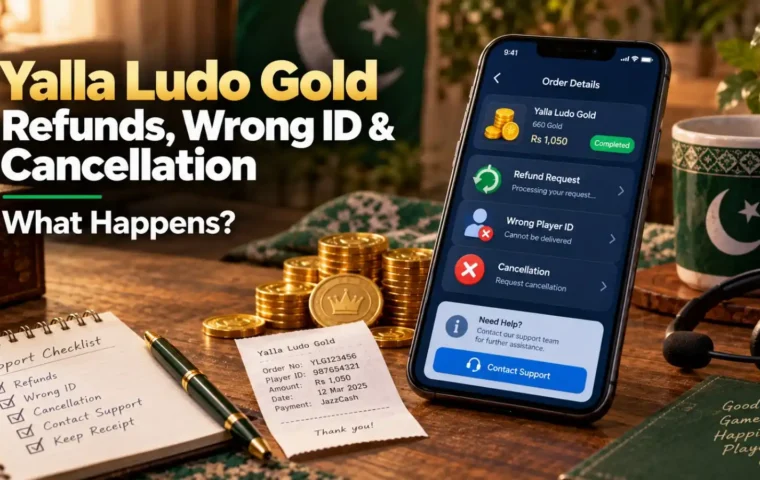
Contact support immediately. Whether anything can be changed depends on how far the order has progressed. Once a digital order is submitted and delivered, reversal may not be possible.