Table of Contents
Yalla Ludo Diamonds Not Received? What to Do After Payment
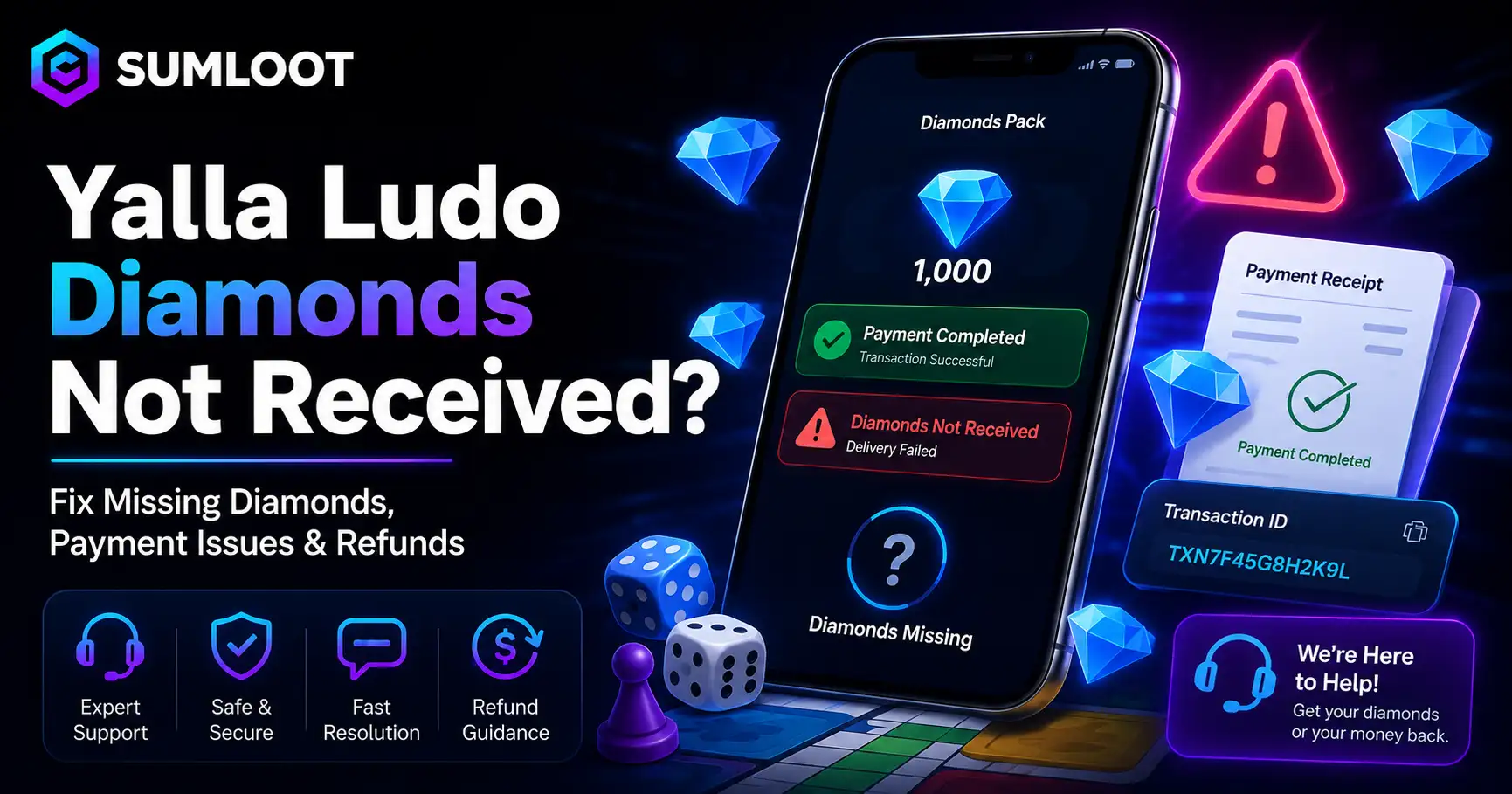
You paid for diamonds, the money left your account, and your Yalla Ludo balance still looks exactly the same. Not ideal. The dice can troll you during a match. Your payment system should not. If you are dealing with Yalla Ludo diamonds not received after a purchase, the most important thing is not to panic and immediately buy another package. First, find out whether the transaction actually completed, whether the purchase reached the correct account, and which company processed the payment.
The correct solution changes depending on whether you paid through Google Play, Apple’s App Store, Yalla Pay Center, or an independent top-up service. Yalla Ludo’s current Virtual Items Policy says users can purchase Gold and Diamonds through in-app purchases and identifies Yalla Pay Center as the third-party payment method it may approve for these purchases.
The same policy says that once a purchase completes, the user’s account should receive the purchased virtual currency. This guide explains what to check when your Yalla Ludo purchase is not received, how to contact support, when a refund may be possible, and why “free diamond generator” websites deserve a very large red flag.
Why Did I Not Get My Yalla Ludo Diamonds?
There is no single reason behind every Yalla Ludo recharge issue. Sometimes a payment remains pending. Sometimes the app has not refreshed correctly. In other cases, the payment platform confirms the charge but the game has not yet reflected the in-app item.
Google’s official troubleshooting guide for in-app purchases specifically recommends checking whether the payment completed, reopening the affected app, restarting the device, checking connectivity, and keeping the Play Store updated when purchased content does not appear.
That gives us a sensible troubleshooting order instead of guessing. A problem involving an ID-based game top up service can have another cause: the wrong player information may have been entered. If you use any service that asks for a game ID number, verify every digit before payment. For purchases made directly inside Yalla Ludo, however, focus first on the payment account, transaction status, and the Yalla Ludo account currently logged into the app.
What to Do If Yalla Ludo Diamonds Not Received?
If you have Yalla Ludo diamonds not received after payment, work through these steps in order:
- Do not purchase the package again yet. A second payment can turn one unresolved purchase into two charges and an even longer support conversation.
- Check whether the payment completed. On Android, Google tells users to check Payments & subscriptions > Budget & history in Google Play. A pending or incomplete transaction is different from a completed payment where the item never arrived.
- Close and reopen Yalla Ludo. Android users can also force-stop the app before reopening it. Google specifically recommends this for missing in-app content.
- Restart your phone. It sounds almost suspiciously simple, but device and app synchronization problems do happen.
- Check for an app or store update. An app update issue can sometimes interfere with normal purchase behavior. Keep Yalla Ludo and your payment platform current.
- Confirm your account details. Make sure you are signed into the Yalla Ludo account that made or should receive the purchase. For an external ID-based order, check the entered Player ID.
- Save your evidence. Keep your receipt, transaction ID, order number, date, amount, payment method, and screenshots showing the missing balance.
- Contact the correct support channel. If the transaction completed but the diamonds still have not appeared, escalate it rather than repeatedly retrying the payment.
This approach works better than randomly clearing apps, reinstalling everything, and hoping your diamonds suddenly decide to come home.
Yalla Ludo Payment Deducted but No Diamonds: Check the Transaction First
A Yalla Ludo payment deducted no diamonds complaint should start with one question: Did the transaction actually complete? A bank notification alone does not always prove that a merchant successfully completed an order. Payment systems can create authorization holds, declines, reversals, or pending transactions. For Google Play purchases, Google says users receive an in-app purchase when the transaction completes.
You can confirm the purchase through Google Play’s order history. That distinction matters. If the payment still shows as pending, give the payment provider time to finish or reverse it according to its own rules. If it shows completed but your game wallet balance still has no diamonds, you have stronger evidence for a missing-purchase support request. Keep the receipt. Support teams solve “Order ABC123 completed at 7:42 PM but the diamonds are missing” much faster than “Bro, my diamonds disappeared.”
How to Contact Yalla Ludo Support for Missing Diamonds
For a genuine Yalla Ludo diamond delivery problem, contact Yalla Ludo through an official channel. Yalla Ludo’s own policy tells users with Gold or Diamond problems to submit feedback through Yalla Ludo > Settings > Support. The official Google Play listing also publishes the developer support email as yallaludo@yalla.com. You can verify the developer information through the official Yalla Ludo Google Play listing.
When opening a customer support ticket, provide enough information for the support team to locate the purchase. Include your Yalla Ludo user or Player ID, transaction/order ID, purchase date and approximate time, amount and currency, payment platform, receipt screenshot, device type, and a short explanation that the payment completed but the diamonds did not arrive.
Do not post receipts containing sensitive financial information publicly. Yalla Ludo’s privacy policy confirms that its customer-service process may use account information, order information, contact information, and supporting material supplied by the user while investigating a problem.
How Long Does Yalla Ludo Take to Add Diamonds?
There is an important difference between a useful answer and an invented one. I could not find an official Yalla Ludo policy promising that every diamond purchase will arrive in “five minutes,” “ten minutes,” or another fixed period. Its Virtual Items Policy instead states that after a purchase has completed, the account will be credited with the purchased Gold or Diamonds.
Therefore, if you are searching Yalla Ludo diamonds pending how long, do not rely on random websites claiming an official universal delivery time unless they can prove where Yalla published it. If your payment platform says the transaction completed and your balance remains unchanged after refreshing the app and completing basic troubleshooting, contact support.
For orders placed through SumLoot specifically, SumLoot publishes its own delivery estimates and order-tracking process. Those are SumLoot service estimates, not an official Yalla Ludo delivery guarantee. You can use the SumLoot order and delivery information to check the status of a SumLoot order.
Yalla Ludo Top Up Failed: Should You Try Again?
A Yalla Ludo top up failed message does not automatically mean you should press the purchase button again. First determine whether money actually moved. If the transaction failed without a charge, you can investigate the payment method and retry later. If your bank or wallet shows a charge, check whether the payment appears as completed, pending, or reversed before making another purchase.
Google maintains separate troubleshooting guidance for payment methods that are declined or fail to process. If you purchased through an independent third party top up website, use that company’s order status and support system as well. The payment provider and the game developer may control different parts of the transaction.
For readers comparing how common payment routes work, SumLoot’s Yalla Ludo diamond payment methods guide provides additional background. SumLoot describes itself as an independent third-party order-processing service, so readers should not confuse that guide with official Yalla Ludo support.
Can I Get a Refund If Yalla Ludo Diamonds Not Received?
A Yalla Ludo refund request depends heavily on who processed your payment, where you live, and the transaction status. Yalla Ludo’s Virtual Items Policy says completed Gold and Diamond orders are generally non-refundable unless applicable law requires otherwise. It also states that virtual currency cannot normally be exchanged for cash or reimbursed by Yalla Ludo. However, purchases handled by Google Play or Apple can also fall under those platforms’ refund procedures.
Google Play Refunds
Google says some app, game, and in-app purchases may qualify for refunds depending on the circumstances. For many purchases, users may be able to request a refund within 48 hours. After 48 hours, Google advises contacting the app developer for troubleshooting and possible assistance under the developer’s policies and applicable law. See Google’s official in-app purchase refund policy for the current rules.
Apple App Store Refunds
Apple says some App Store and in-app purchases may qualify for a refund. Users can submit a request through Apple’s Report a Problem service, and Apple says a status update generally arrives within 24 to 48 hours after submission. Approval is not guaranteed. You can follow Apple’s official refund instructions. In other words, how to get a refund for Yalla Ludo diamonds does not have one universal answer. Start with the platform that actually processed your payment.
Yalla Ludo Diamond Generator Scam Warning
Searches for free diamonds can lead users into a much bigger problem than a missing top-up. The official Yalla Ludo policy describes legitimate ways users can obtain diamonds, including purchases and certain in-game activities or rewards. Its Community Guidelines also prohibit hacking and tell users not to obtain virtual currency through channels that Yalla Ludo has not officially authorized.
There is no “diamond generator” listed as an official acquisition method. That makes pages advertising unlimited free diamonds, secret hacks, account injection tools, or mysterious generators a serious warning sign. A Yalla Ludo diamond generator scam may try to get users to enter login information, complete endless surveys, download questionable files, or hand over personal details.
A fake Yalla Ludo hack warning is especially important because Yalla’s own guidelines prohibit interfering with the game or attempting to bypass its systems. Do not give a supposed generator your password, verification code, or payment credentials. Free diamonds are not worth turning your account into someone else’s account.
Is It Safe to Buy Yalla Ludo Diamonds From Third-Party Sites?
This question deserves a precise answer. According to Yalla Ludo’s current Virtual Items Policy, in-app purchases are supported, and Yalla Pay Center is identified as the third-party payment method Yalla may approve for Gold and Diamond purchases. The company’s Community Guidelines separately tell users not to purchase virtual currency through channels that are not officially authorized.
Therefore, the official Yalla Ludo top up method with the clearest policy backing is an in-app purchase or Yalla Pay Center where available. You can review the Yalla Ludo Virtual Items Policy before paying. If you choose an independent reseller or processor, verify exactly who operates it, what information it requires, what happens if an order fails, and whether its refund terms protect you.
SumLoot itself states that it is an independent third-party order-processing platform rather than Yalla Ludo’s owner, developer, or official representative. That disclosure matters for trust. Educational internal links can still help readers research their options. For example, SumLoot has a detailed guide to Yalla Ludo diamonds, packages, and recharge considerations as well as a Yalla Ludo diamond price chart guide. These pages should be treated as SumLoot content, not as official Yalla Ludo policy.
How to Avoid Yalla Ludo Diamonds Fraud
The safe way to buy Yalla Ludo diamonds starts with boring habits. Boring is good when real money is involved. Use payment routes recognized by the game, confirm which account will receive the currency, review the final amount before paying, save the receipt, and check your transaction status before retrying a failed payment. Avoid social-media sellers who cannot clearly identify their business.
Avoid anyone asking for account passwords or verification codes. Avoid “limited-time generator” pages that somehow need three surveys and your phone number before revealing their magic button. Most importantly, separate an official recharge platform from an independent reseller. Those descriptions are not interchangeable. Clear labels build user trust and reduce support problems later.
Frequently Asked Questions
What to do if Yalla Ludo diamonds not received?
Check whether the transaction completed, reopen Yalla Ludo, restart your device, confirm the correct account, save your receipt and transaction ID, and then contact Yalla Ludo through Settings > Support or its published developer email if the Yalla Ludo diamonds are missing.
How long does Yalla Ludo take to add diamonds?
Yalla Ludo’s published Virtual Items Policy does not provide a universal number of minutes. It says the account is credited once the purchase completes. If a completed purchase remains missing after basic troubleshooting, contact support rather than repeatedly buying the same package.
Can I get a refund if Yalla Ludo diamonds not received?
Possibly, depending on how you paid and your circumstances. Yalla’s policy generally treats completed virtual-item purchases as non-refundable, while Google Play and Apple maintain separate refund-request procedures for eligible purchases.
Is my Yalla Ludo purchase safe?
A purchase through a recognized official route gives you the clearest support path. Yalla’s current policy identifies in-app purchases and Yalla Pay Center as its purchase methods and warns against unauthorized recharge channels.
How to contact Yalla Ludo customer service for missing diamonds?
Use the support option inside Yalla Ludo under Settings. The official Google Play listing also publishes yallaludo@yalla.com as the developer’s support email. Send your Player ID, receipt, transaction details, and a clear explanation of the Yalla Ludo purchase not received problem.
Final Thoughts
Finding money deducted but diamonds not added in Yalla Ludo is frustrating, but buying another package immediately is rarely the smartest first move. Check the transaction. Refresh the app. Verify the account. Keep your receipt. Then contact the company that actually handled the purchase. For a genuine failed transaction or pending transaction, follow your payment provider’s process.
For a completed in-app purchase with missing currency, use Yalla Ludo support and the relevant App Store or Google Play support options. And when a website promises unlimited diamonds through a secret generator, remember one simple rule: if the deal requires magic, hacking, or your password, your wallet should probably leave the room before you do. The goal is not merely to get your diamonds. It is to get them without losing your money, account, or common sense along the way.